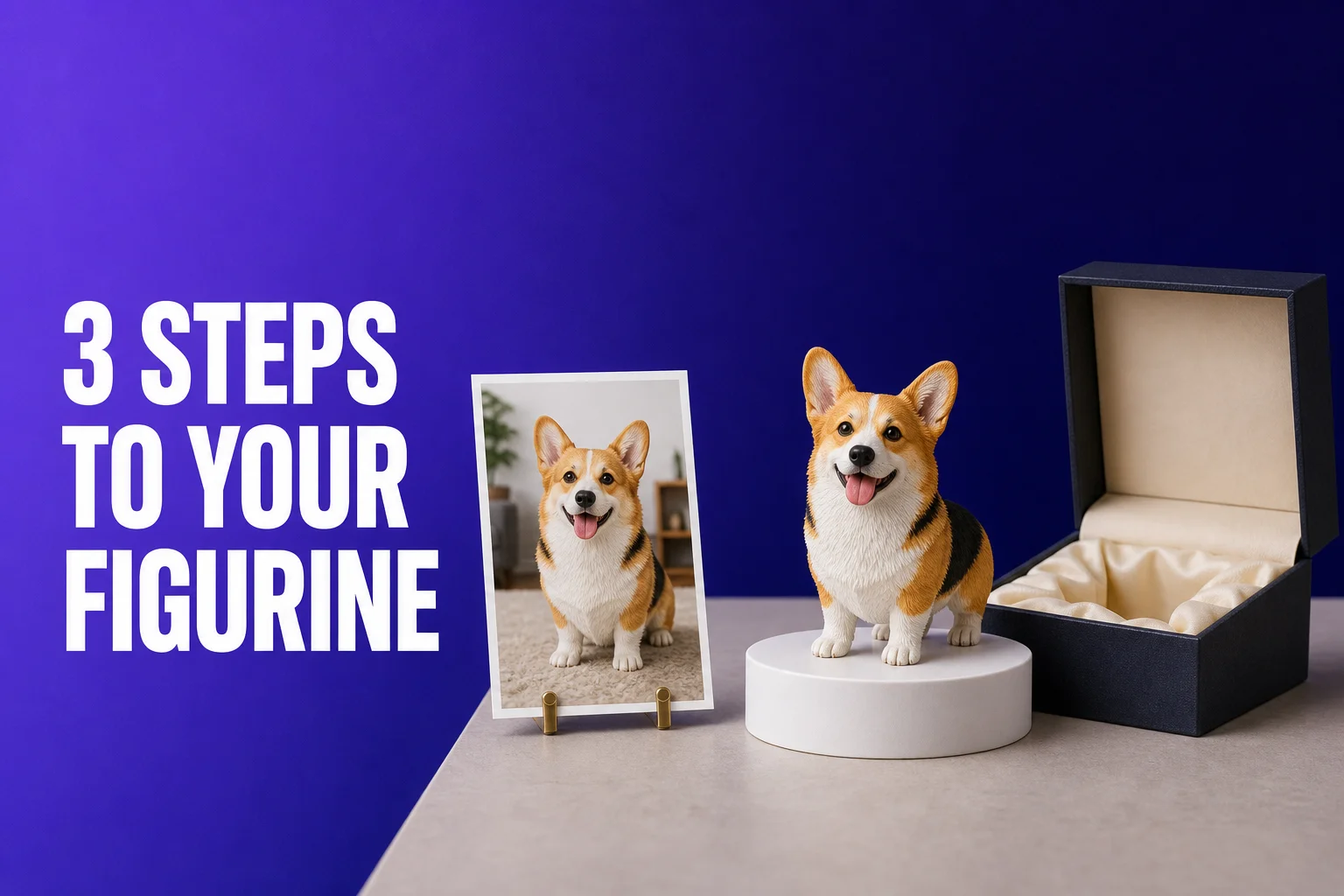
Custom figurines sound complicated — you need a 3D artist, you need to commission a sculptor, there are minimum orders, it takes months. On AnyMade the whole journey is three steps, and none of them require any expertise or 3D knowledge. You don't need to understand what a mesh is, what topology means, or how to use Blender. Just upload, preview, order. Let AI and automation handle the rest. This guide walks you through the full process step-by-step, with practical tips and common pitfalls to avoid.
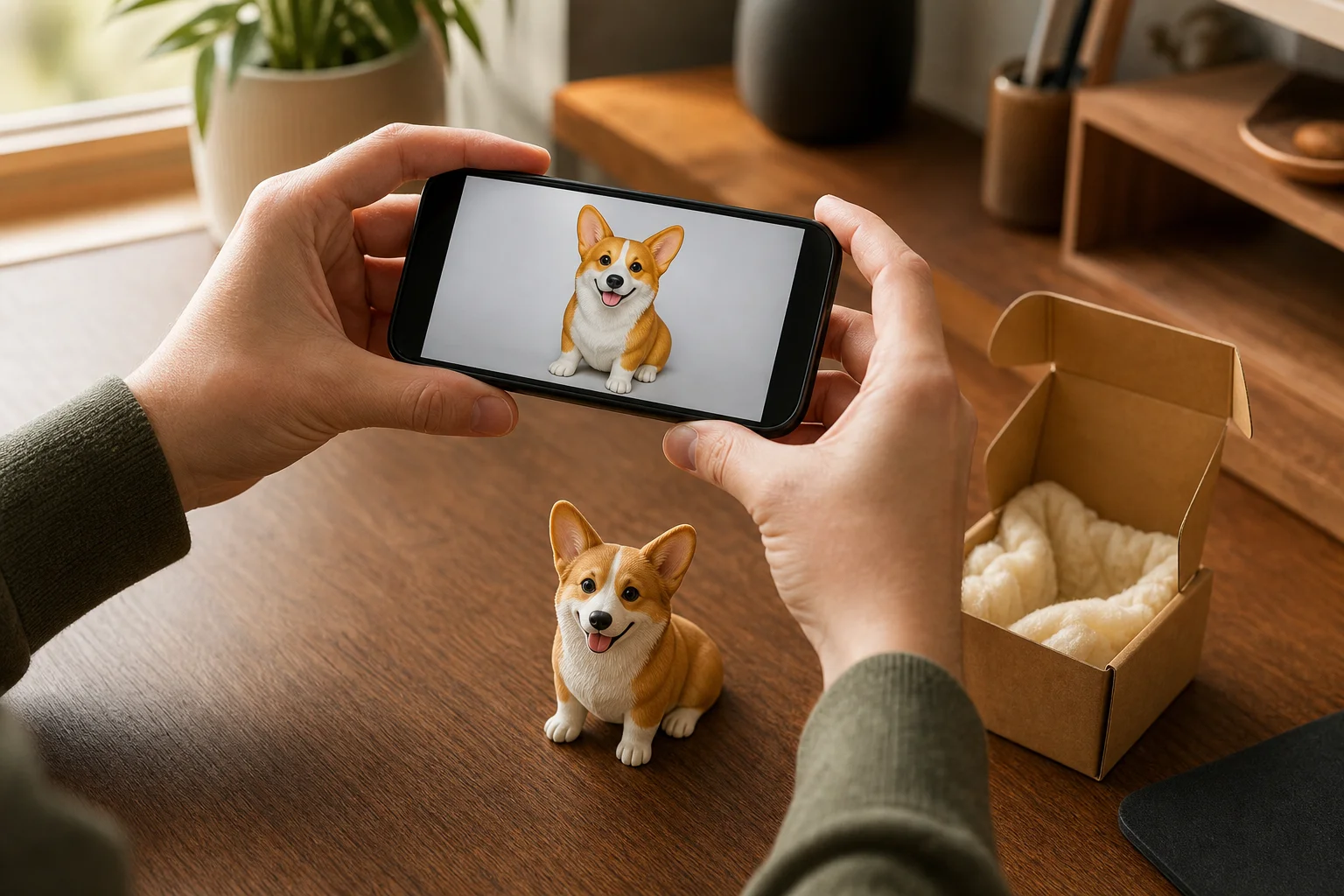
Step 1: Upload a photo or describe an idea. AI generates a preview in 40 seconds.
Open Start Creating and pick your input method.
Upload a photo — almost anything works
Pet photos (the classic):
- Cats, dogs, rabbits, birds, fish — anything with personality
- Captures fur color, texture, expression and those trademark mannerisms
- Best setup: front-facing or three-quarter angle, full body in frame, clean background
- Result: every hair strand is crisp; this is why pet lovers love AnyMade figurines
Portraits (people):
- Yourself, friends, family — any meaningful person
- Works across styles: formal dress, casual wear, costumes, anything
- Best setup: clear face, good lighting (avoid extreme backlighting)
- Result: recognizable yet charmingly stylized, warm and not stiff
Anime / game characters:
- Screenshot it directly, or upload official artwork
- 2D to 3D with all the original charm intact
- Best setup: high-res screenshot or official key art
- Result: your favorite character now sits on your desk
Art & sketches:
- Your kid's drawing, your friend's doodle, your own sketch
- Even rough work becomes a solid 3D model
- Best setup: photograph it cleanly, avoid tilting or reflections
- Result: a physical reminder of creativity; totally one-of-a-kind
Objects & collectibles:
- A beloved toy, souvenir, bag, anything with visual character
- If the subject is clear, it's worth a try
- Best setup: shoot from a straight angle, emphasize defining features
- Result: immortalize the things you love
No photo? Describe your idea
If you don't have a photo handy, just describe it in a sentence or two:
- "A lazy orange cat curled up in a sofa" → AI generates
- "My friend Sarah with shoulder-length dark hair and a blue hoodie" → AI generates
- "Eren from Attack on Titan, signature dark circles and spiky black hair" → AI generates
Our text-to-image AI is strong enough that you don't need to write a novel — just make the key features clear. The system will build a 3D figurine from your description.
Wait ~40 seconds, then meet your figurine
After upload, in about 40 seconds (sometimes 30, sometimes up to 60 if the queue is busy), you'll see a full-color figurine preview. This is a high-fidelity render showing exactly what your 3D printed figurine will look like.
Not quite right? Don't worry about paying yet. Regenerate in a different style:
- Realistic: detail-rich, true-to-life, best for pets and people
- Chibi (Q-version): cute, cartoonish, magic for characters and playful designs
- Anime: 2D aesthetic translated to 3D, perfect if you want to match the original art style
Every style looks different — sometimes a photo is "meh" in realistic but pops in chibi. Free daily credits cover multiple regenerations, so try styles until you find the one that makes you smile.
Photo tips for best results:
- ✅ Single clear subject, sharp focus (not soft/out-of-focus wide shots)
- ✅ Clean background (solid color or blank wall beats clutter; background clutter gets in the way)
- ✅ Even, soft lighting (window light is ideal; avoid harsh sun or shadows)
- ✅ Pets: front or three-quarter angle, full body in frame
- ✅ Resolution: standard phone quality works fine (1000px+ is plenty, doesn't need to be 4K)
- ❌ Avoid backlighting, very dark environments, extreme cropping
Step 2: Enter the configuration page. Choose size and material.
Happy with the preview? Click "Next" and land on the configuration page. Two decisions here.
Choose a size: find your sweet spot
AnyMade offers four standard sizes and full custom range:
| Size | Use case | Full-color resin price | Best for |
|---|---|---|---|
| 5 cm | Try it out / gift | from $9.9 (¥59) | Small but detailed; the easiest entry point |
| 10 cm | First-time buyer | live pricing at checkout | The sweet spot: detail + price + speed |
| 15 cm | Collector's shelf | live pricing at checkout | Visual impact, rich detail, still compact |
| 20 cm | Showstopper | live pricing at checkout | Bold presence, ideal for desks or display cases |
| 2-30 cm custom | Special requests | Tiered pricing | Total freedom, but production time increases |
How to pick?
- First time? 10 cm is the goldilocks choice — detail pops, price is reasonable, ships fast
- Just testing? Go with 5 cm — cheapest way to see the quality for yourself
- Collector's edition? 15-20 cm makes a real visual statement on a bookshelf or desk
- Ultra custom? The 2-30 cm range lets you go as small as a keychain or as big as a paperweight; just note that oversized pieces (25cm+) take a bit longer
A tip: figurines look better larger. A 5 cm figure with fine fur detail can look "crowded" — 10 cm gives the details room to breathe. For detailed subjects, upsizing by one category usually pays off.
Choose a material: which aesthetic speaks to you?
Four main material options:
① Full-color resin (★★★★★ recommended)
- What it is: rich, saturated color with a smooth, glossy finish
- Best for: pets, characters, anything with color — the color fidelity is the selling point
- Feel: smooth, polished, detailed
- Care: a durable finish that lasts years on a desk
- Why most people pick this: it's the most lifelike; a ginger cat looks warm and golden
② Monochrome white (★★★☆☆ for minimalists)
- What it is: pure white ceramic-like finish; sculptural purity
- Best for: clean line-work, modern decor, black-and-white themes, art collectors
- Feel: matte, pure, artistic
- Price: 20-30% less than full-color
- When to choose: if you love minimalism or the design has beautiful negative space
- Note: color info is lost, so a colorful photo becomes white-on-white (works for some subjects, not others)
③ Translucent resin (★★★★☆ for dreamers)
- What it is: see-through, ethereal quality; light passes through subtly
- Best for: ghosts, spirits, angels, fantasy creatures; light-up display; shadow play
- Feel: glowing, mysterious, delicate
- Price: close to full-color
- Pro tip: show under warm lighting for maximum magic
④ Stainless steel (★★★★☆ for sophisticates)
- What it is: brushed or polished metal finish; durable and sleek
- Best for: modern minimalist decor, geometric designs, corporate gifts, collectors
- Feel: cool, precise, premium
- Price: 30-40% more than full-color
- When to choose: if you want a "forever" piece or matching your tech aesthetic
Which should you pick? If you're not sure: full-color. It's the most versatile, the colors sing, and it looks closest to the original photo. If you already have a full-color figurine and want to explore, try white for contrast or translucent for a magical vibe.
Also visible on config page:
✅ Live price: update as you change size and material; no hidden fees ✅ Estimated delivery: production + shipping time, in business days ✅ 3D preview: rotate and zoom your model from any angle before committing ✅ Rush option (if needed): pay extra to jump the production queue and get faster shipping
Step 3: Pay. Everything else is automatic.
Click "Submit Order" to go to checkout.
Payment methods
From China:
- WeChat Pay (fastest, most convenient)
- Bank card transfer
- Currency: CNY (Chinese Yuan, default)
Everywhere else:
- Stripe-supported credit/debit card (Visa, Mastercard, etc.)
- Currency: USD (US Dollar, live conversion)
After you pay
You'll get an order confirmation email. Behind the scenes, automation takes over:
AI builds your 3D model (~1-2 hours)
- High-precision modeling completes
- Your order page shows "Modeling in progress"
- Once done, you can view a 360° interactive 3D model right there — zoom in, rotate, inspect every angle for detail
Into production (~2-4 days depending on size & material)
- Model sent to the print team
- Full-color resin print, cure, cool-down
- Quality check: visual inspection, color validation
- Hand finishing: remove support marks, sand rough edges
- Protective coating, final spray
Pack & ship
- Professional shock-absorbent packing (foam + bubble wrap + box)
- Assigned to logistics; you get a tracking number
- Order page auto-updates; click to track in real-time
Arrives at your door
- Domestic (China) standard shipping: FREE (1-3 days usually)
- Domestic express (Shun Feng): ¥20 (1 day usually)
- International: varies by region, 7-20 days typical
Track everything from your order page
Visit your orders page anytime to see:
- ⏱️ Timestamp for each milestone
- 📦 Current stage (Modeling / In Production / Quality Check / Shipped)
- 📍 Live tracking after shipment
- 🎁 Your 3D model preview (available after modeling)
- 🆘 One-tap customer service (auto-includes your order info)
Find an order
- Log in, go to "My Orders"
- Click any order card for full details
- Progress bar under the title shows real-time status
- "View 3D Model" lights up when modeling completes
- "Track Shipment" lights up when it ships
Comprehensive FAQ
Q1: Can I order multiples of the same design? Can I reorder?
Absolutely. Order any quantity in one go (yourself + friends + gifts). Your order processes as a batch, sometimes with volume breaks.
Reorder is even easier: your 3D model is saved forever. Next time you want another, just go to your order history, hit "Reorder," pick a new size/material/quantity, and pay. No re-upload, no re-preview, no lost creative work.
Q2: My photo has multiple subjects. Or a cluttered background. Will that work?
Single subjects work best. If your photo has multiple people/pets, your options:
- Crop first: use your phone's crop tool to isolate one subject before uploading — cleaner input, better output
- Do them one by one: that same photo can become 2-3 separate figurines; line them up together for a set
- Describe it verbally: tell the AI "two orange cats together" and it'll attempt a synthesis, but clarity may suffer
Busy background? The AI can work around it, but the subject suffers. Ideal: a clean background (white wall, solid color). If you have a cluttered background (busy cafe, crowded street), open a simple photo editor and blur it before uploading — takes 10 seconds and makes a big difference.
Q3: I want to see real results before trying. Where do I look?
Three places:
Inspiration Plaza ⭐ Official curated library
- Hundreds of hand-picked ready-to-print models
- Each with official renderings
- Use "Make Same" to order directly (skip the creation step, faster delivery)
- Perfect for browsing when you're blank or seeking inspiration
Community User showcases
- Real people sharing their actual figurines and photos
- Process docs, before/after shots, owner reviews
- Comments with questions like "How big is this?" and "Is the color accurate?"
- If someone's project is close to yours, ask how they configured it
Your own order history (after logging in)
- Revisit your past 3D models
- optionally make past creations public/shareable
- friends can peek at your personal portfolio
Q4: The preview looks great but the real thing arrived with color difference. What happened?
Rarely, because:
- The preview you see is a high-fidelity render of the actual printing result
- Full-color resin matches industry standards for color accuracy
If there's a noticeable gap:
- Screen color temp: your phone and computer have different white balances; try adjusting brightness/warmth in settings
- Ambient light: the figurine looks subtly different in natural vs. indoor light — this is normal for all physical objects
- Gloss reflection: full-color resin has a glossy finish, so viewing angle affects perceived color — not a defect, it's the material
Still unhappy? Reach out to support; there are resolution options available (ask our team about specifics).
Q5: Can I change the order while it's in production? Swap the size or material?
During modeling (first 1-2 hours): usually yes, contact support to modify, they'll often accommodate it.
After modeling starts: probably not — you'd risk delays and re-queuing. If you really want a change, ask support about creating a separate new order to run in parallel; sometimes cheaper than modifying mid-flight.
Q6: Does rush production actually speed things up, or does it hurt quality?
How rush works: it's not compressed production (same steps). It's priority in queue — your figurine jumps ahead in line.
Timeline comparison:
- Standard: 4-7 days (modeling 1-2h + production 2-4d + shipping 1-3d)
- Rush: 2-4 days (modeling 1h + production 1-2d + shipping 1d)
Quality: fully identical. Same craftsmanship, same QC, same materials. Speed doesn't compromise.
Cost: tiered by size (small rush is cheaper, large rush is pricier). See the price before confirming.
Q7: Can photos be rejected? When does generation fail?
Very rarely, but some photos can't process:
- Extremely blurry or completely out-of-focus
- Extremely low resolution (under 500px)
- Image that's 90% text/QR code (not an actual object)
- Copyright-sensitive content (rare, but the system will warn you)
If this happens: you'll get a message like "Unable to generate; try…" and can switch photos. You haven't lost anything — still using your free credit.
Pre-upload checklist
Run through before hitting upload:
- ✅ Is the subject sharp and clear? (not blurry)
- ✅ Is the background simple enough? (cluttered? consider quick blur)
- ✅ Is the lighting normal? (avoid pitch black or harsh glare)
- ✅ Is it one subject or multiple? (multiples? crop or describe separately)
- ✅ Do you have a size preference yet? (stuck? 10 cm is the default smart choice)
Ready?
Open [Start Creating](/create]. Upload. Wait 40 seconds. That's the magic moment.