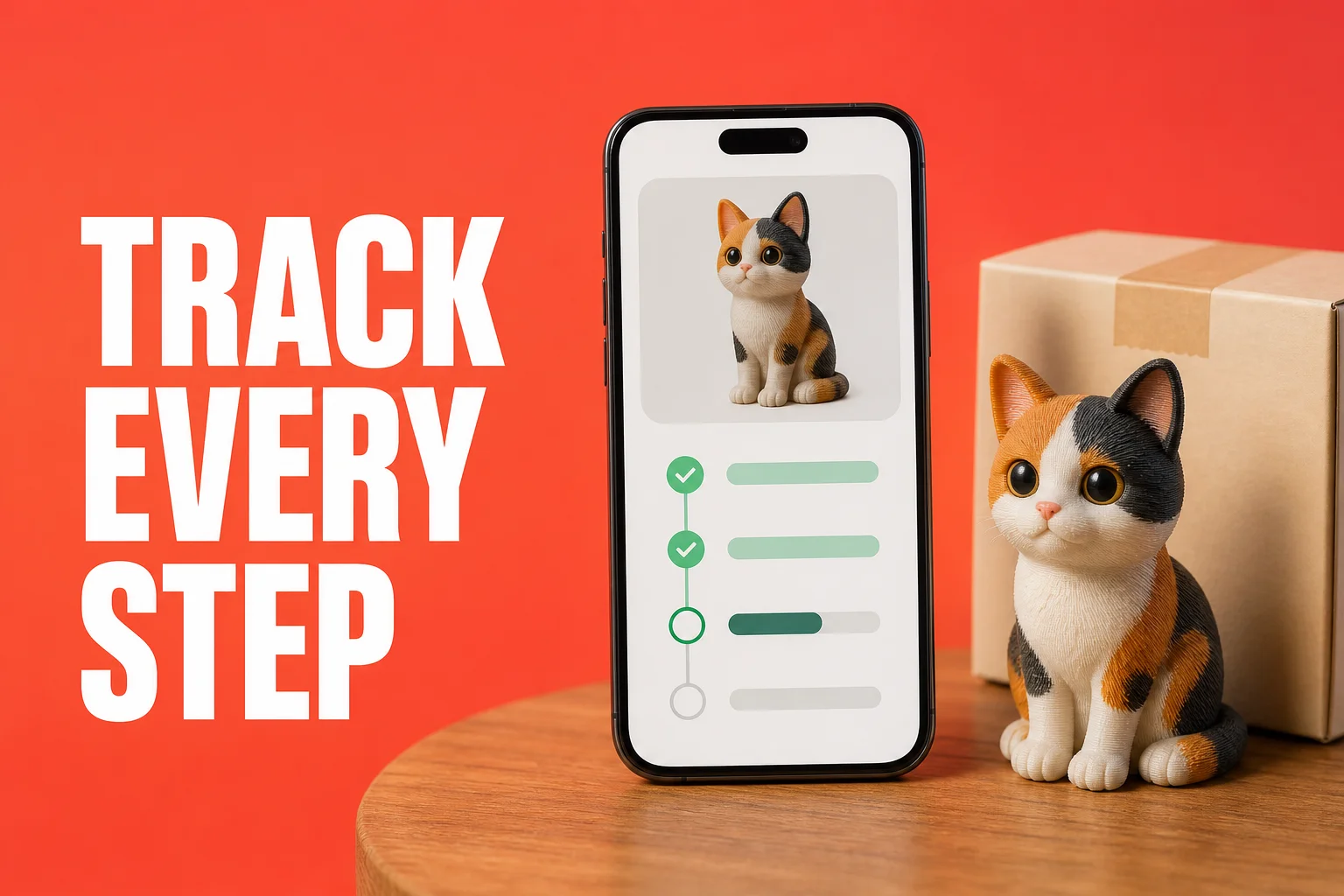
The hardest part after ordering? Not knowing where things stand — that information blackout, that endless wondering about when it'll arrive. AnyMade runs the entire production chain as a fully automated pipeline, completely hands-off from the moment you pay. More importantly, every step is laid bare for you to see — real-time progress updates, detailed process info, complete shipping tracking, all right there on your order page. This guide walks you through what happens to your figurine after checkout and what your order page shows you.
After payment, automatically everything
The instant you hit pay, a completely automated production pipeline fires up. No human approval needed, no manual confirms, the whole thing runs like a precision machine with no human touch required until the quality check:
Step 1: AI modeling (around 2–4 hours)
The system immediately generates a high-precision 3D print model from your confirmed preview. This isn't simple scaling — it's intelligent adaptation. If you chose 5cm full-color resin, the system automatically calibrates detail density to keep colors crisp at that small size. If you chose 20cm stainless steel, the model is reinforced for that weight and material.
The system auto-validates printability — checking for paper-thin walls, uneven color distribution, any geometry that wouldn't translate to the physical material. If it spots an issue, it auto-corrects. Only in rare cases does a human get involved.
What you see: Progress shows "Modeling" and will auto-advance in 2–4 hours.
Step 2: Model optimization
Once modeling completes, the system automatically:
- Precision scales your figurine to exact dimensions (5cm is 5cm, 20cm is 20cm at millimeter accuracy)
- Optimizes for the material — if full-color resin, calibrates color layer separation; if stainless steel, adjusts for structural strength
- Validates constraints — confirms the model meets each material's technical specs (minimum wall thickness, maximum dimensions, etc.)
Fully automated, requires no human input.
What you see: Progress remains "Modeling" briefly, then shifts to "Production."
Step 3: Production printing (3–7 days depending on material and size)
Your order auto-enters the print queue. Lead time depends on:
- Material type — full-color resin typically 4–7 days, white monochrome 3–5 days, stainless 5–10 days
- Current backlog — the system schedules dynamically based on real capacity; peak periods queue longer
- Rush selected? — rush options compress 1–3 days for a surcharge
During production, human quality check is the only manual step. Every finished figurine is visually inspected: color saturation, detail clarity, defects, structural cleanliness. Failed pieces are reprinted; passed pieces auto-advance.
What you see: "Production" appears, and you can expand to see sub-stages — "Printing" → "Printing Done" → "QC in Progress" → "QC Passed."
Step 4: Shipping (2–10 days depending on method)
After production, the figurine auto-enters dispatch:
- Packing — automatic
- Carrier handoff — tracking number generates automatically
- Tracking synced — the number lands on your order page instantly, no chasing required
Domestic standard free shipping typically arrives in 3–7 days depending on distance. Optional couriers (e.g., ¥20 expedited) are faster. International shipments take 7–21 days depending on destination.
What you see: Progress jumps to "Shipped," tracking number displays, and courier updates stream live below it.
Step 5: Arrival
Your figurine arrives. Order status becomes "Delivered."
What's on your order page: Full transparency
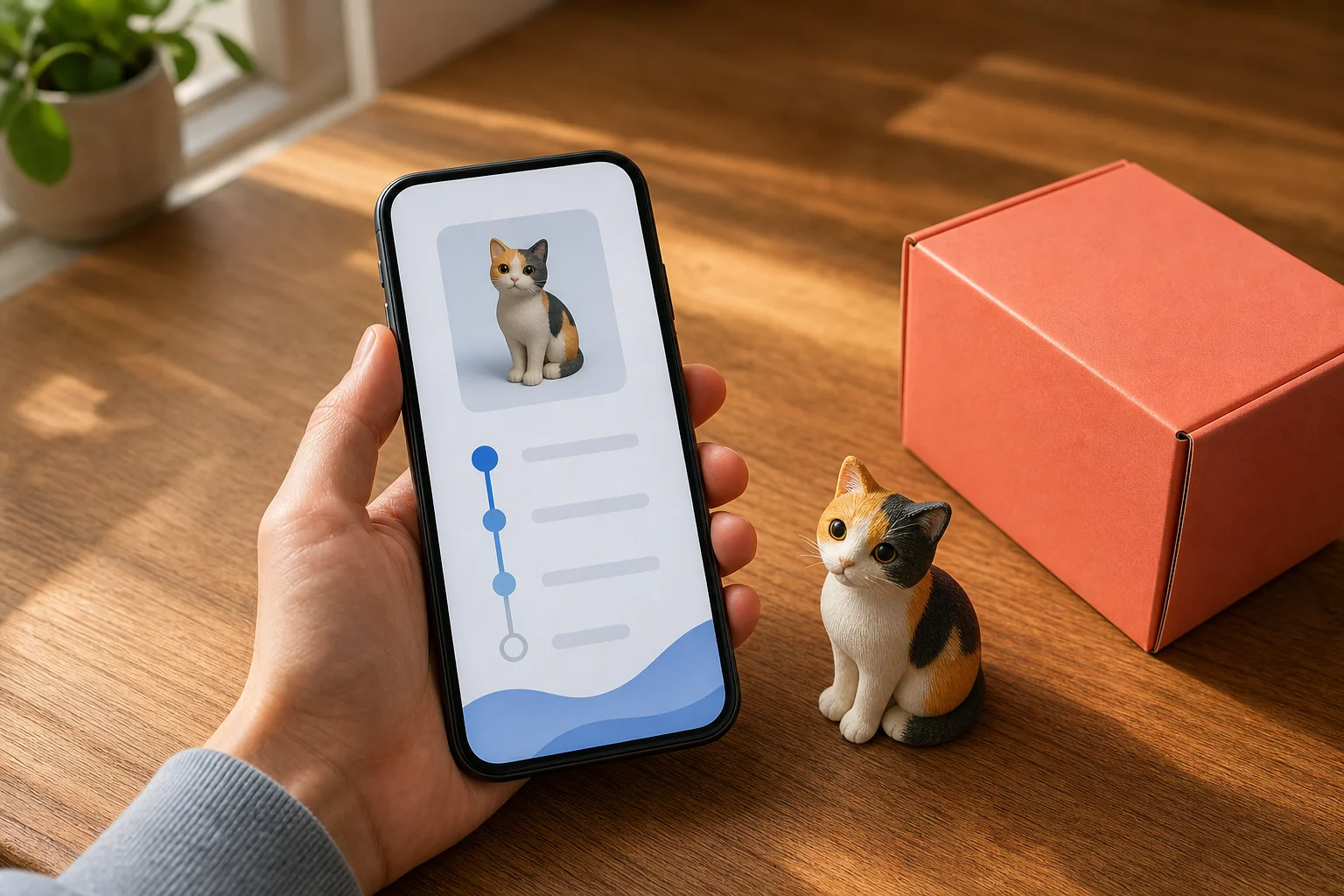
The order page isn't just a status checker — it's a window into the entire production pipeline:
Progress timeline
A vertical timeline shows exactly where your order stands at a glance:
Modeling → Production → Shipped → Delivered
Each node shows the phase's estimated duration. As phases complete, the timeline auto-updates and the next node activates. You always know where you are.
Your personal 3D model
This is a favorite feature. Once modeling completes, you can rotate, zoom, and inspect the exact 3D model that will be printed as your figurine right there on the order page.
Two wins:
Verify details — see your figurine in 3D before it ships. If something surprises you, the first few hours after payment may still allow a quick contact with support for adjustments.
Build anticipation — many users say seeing this model in 3D transforms their excitement. It shifts from abstract to concrete.
Production detail breakdown
While in the "Production" phase, you can expand to see specific steps:
- Printing — model is actively printing
- Print complete — printing done, entering post-processing and inspection
- QC in progress — human review of color, detail, and integrity
- QC passed — approved, ready to ship
Each sub-step shows estimated duration and current status. This transparency prevents the "silent waiting" feeling — you know nothing is stalled.
Live shipping tracking (after dispatch)
Once shipped, the courier's tracking feed is embedded directly on your order page. No jumping to carrier websites:
- [Dispatched]
- [In transit] (with location, e.g., "Arrived at Shanghai hub")
- [Out for delivery]
- [Delivered] (with exact time)
Updates sync every 2–4 hours in real time.
Support button
Top right on the order page sits a "Contact Support" button. It opens a live chat window that already includes your order number and details — no "here's my order" dance. Support sees your timeline, progress, and shipping info instantly and can help faster.
How lead times work: Estimates vs. reality
What's included in the estimates
At checkout, the configure page gives you two dates:
Production estimated completion (how long to print):
- Full-color resin: 4–7 days (most land 5–6)
- White monochrome: 3–5 days
- Translucent: 4–6 days
- Stainless steel: 5–10 days (more complex)
This starts from your payment moment and includes modeling, optimization, printing, and QC.
Estimated arrival (production + shipping time):
- Domestic standard free: completion + 3–7 days (varies by region)
- Domestic expedited: completion + 1–2 days (surcharge applied)
- International: completion + 7–21 days (destination-dependent, typically 10–15)
Rush options
To compress production, the configure page offers tiered rush:
- Rush level 1: Save 1 day, surcharge ~$3–6 USD
- Rush level 2: Save 2–3 days, surcharge ~$6–12 USD
- Rush level 3: Maximum speed, surcharge highest
Rush effectiveness depends on queue depth — busy periods see modest gains, quiet periods can beat estimates.
Why actual timelines sometimes shift
Most orders land within estimates, but these factors can extend timelines:
- Peak demand — holidays, promotions, or seasonal spikes extend queue times
- Complex configs — ultra-large sizes or intricate color designs may need extra time or additional QC passes
- QC findings — rarely, color inconsistency or detail issues trigger reprints, adding 1–3 days
- Logistics delays — weather, carrier backups, beyond our control
Your order page updates in real-time. When estimates need revision, the page refreshes and you're notified if needed.
When something goes wrong: Exception handling
AnyMade's automated pipeline includes safeguards ensuring orders never silently stall:
Automatic system-level handling
- Auto-retry on print failure — up to 3 automatic reprints without human input
- Anomaly detection — each production stage monitors for issues (printer offline, color anomalies) and auto-alerts
- Auto-escalation — if auto-retries exhaust, the order auto-flags for "human handling" and routes to our production team
Live human support
The support button connects to a live agent who can:
- Check progress — "Why hasn't production started?" They'll tell you queue position and ETA.
- Report issues — "The preview doesn't match what I wanted" or "I found a defect when it arrived"
- Change address — request delivery address change before dispatch; support routes it to production
- Initiate returns — if the figurine genuinely has a defect, support resolves it under the after-sales policy
Order details are already transmitted, so no back-and-forth explaining — support sees your whole story instantly.
Common exceptions & what to do
"Stuck on 'Modeling' for over 4 hours" Usually high-system load (peak times). Typically auto-resolves; if it hits 6+ hours, hit support and they'll check manually.
"Production shows started but estimated completion date has passed" Likely high queue or extended manufacturing. The page updates the new ETA; if timelines keep slipping, ask support for specifics.
"My figurine arrived with dull colors or unclear detail" Rare, but possible. Contact support with photos; they'll resolve it under our after-sales policy.
"Tracking hasn't updated in 24+ hours" Courier data uploads can lag. If truly stuck, provide the tracking number to support — they can query the carrier directly.
FAQ
Q: Can I see real-time printing progress, like a progress bar?
A: The page shows which phase you're in (printing, QC, etc.) but not granular real-time % complete (that depends on printer data uploads). We're working to integrate finer-grained real-time visibility. The phase-level detail you see now is enough to confirm your order is progressing and nothing is stuck.
Q: Can I change my shipping address? What's the deadline?
A: Before the figurine ships, yes. Once it's in the courier's hands, we can't reroute it from our side — contact support with your situation and we can try coordinating with the carrier. Change sooner rather than later, ideally while still in the "Production" phase, to ensure time to process the change.
Q: Tracking shows "Delivered" but I haven't received it.
A: "Delivered" usually means the package reached your address but may be with building security, mail center, locker, or ground floor. Check nearby spots first. If still missing, give support the tracking number; they'll confirm exact placement with the carrier.
Q: What if my figurine breaks during production?
A: Every figurine passes human QC before leaving the factory. During shipping, damage is rare but possible — courier and we share liability. Check carefully upon arrival; if damaged, photograph and tell support. We'll make it right under the after-sales policy.
Q: Can I change size or material mid-production?
A: Once paid, production locks immediately and mid-stream changes are nearly impossible. Spend adequate time in the configure page before payment — use 3D preview, live pricing, size comparison tools extensively. If you spot an error within the first hour post-payment, emergency contact to support might help; past 2–3 hours, you're locked in. So pre-purchase confirmation is critical.
Q: Why is someone else's order faster than mine?
A: Lead times depend on:
- Order sequence — later orders queue behind earlier ones
- Config complexity — certain size/material/style combos take longer
- Queue depth — promo periods or holidays create backlogs
- Rush selection — rush tiers jump the queue
Your estimated completion already factors these in and is usually accurate. If yours distinctly overshoots, ask support why.
Q: After my order ships, can I download the 3D model file?
A: Currently, you can only view it on the order page. We're considering future downloads so you keep the model file forever. If you need it, tell support and we'll note the request.
From the second you pay, your only job is to sit back and wait. The system turns your figurine from idea to object, every step transparent, every problem handled. Check my orders or create a new figurine now to start your first custom experience.
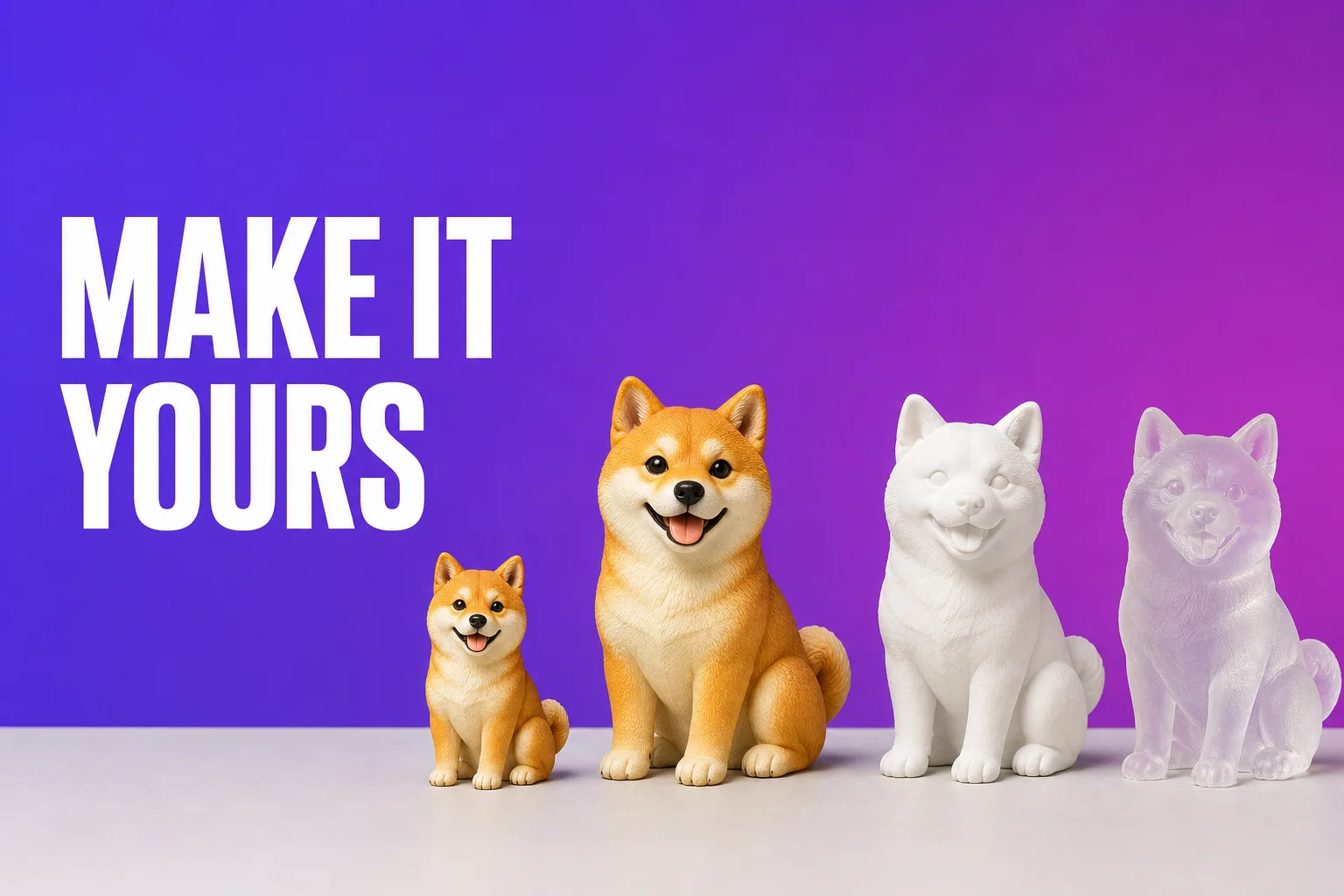 Style, Size & Material: Personalize Every Detail of Your AnyMade Figurine
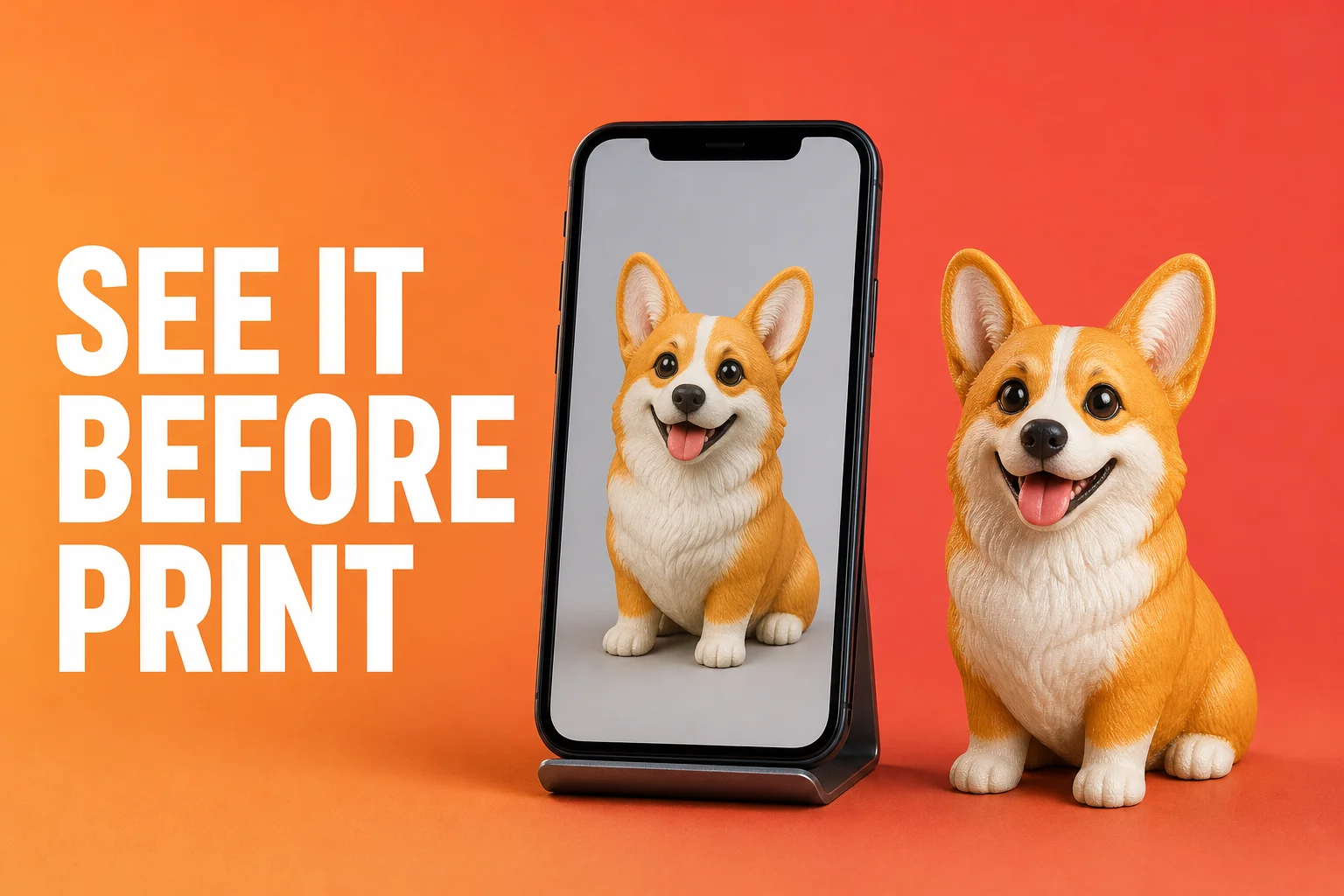 See It Before You Print: AnyMade's Upgraded AI Preview Generation